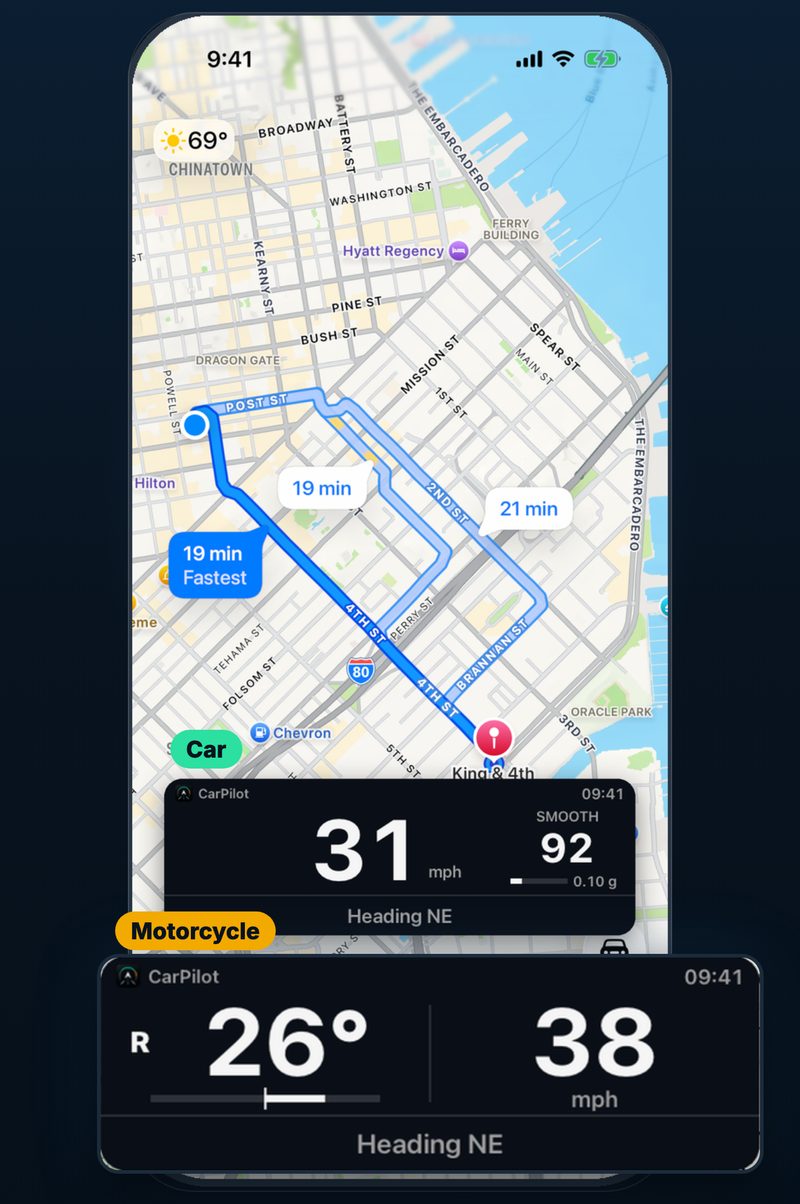
Picture in picture
Speed and the limit stay visible over turn-by-turn directions.
Driving dashboard for iPhone
Turn your mounted iPhone into a clear driving dashboard. Picture in picture keeps your speed over your navigation, and every trip ends with a report of how it went.
 Android: coming soon
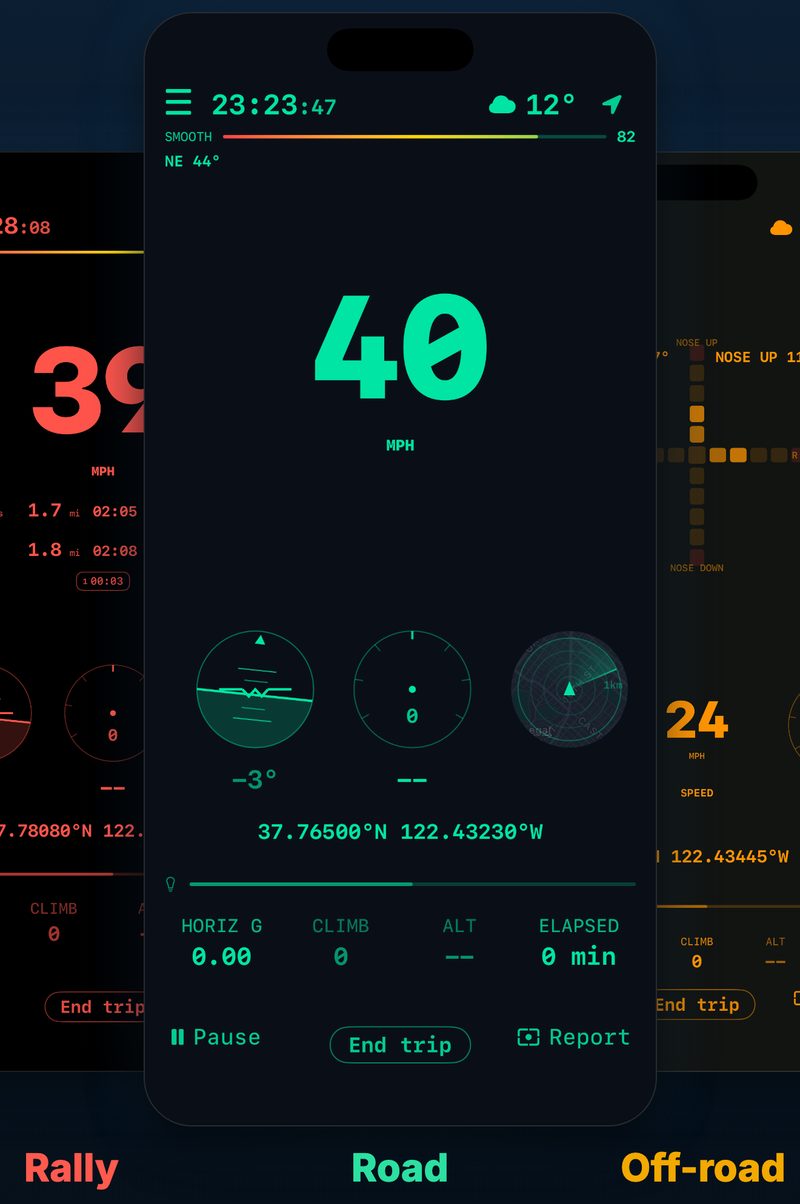
01Just glanceBig speed, right on top of your map.
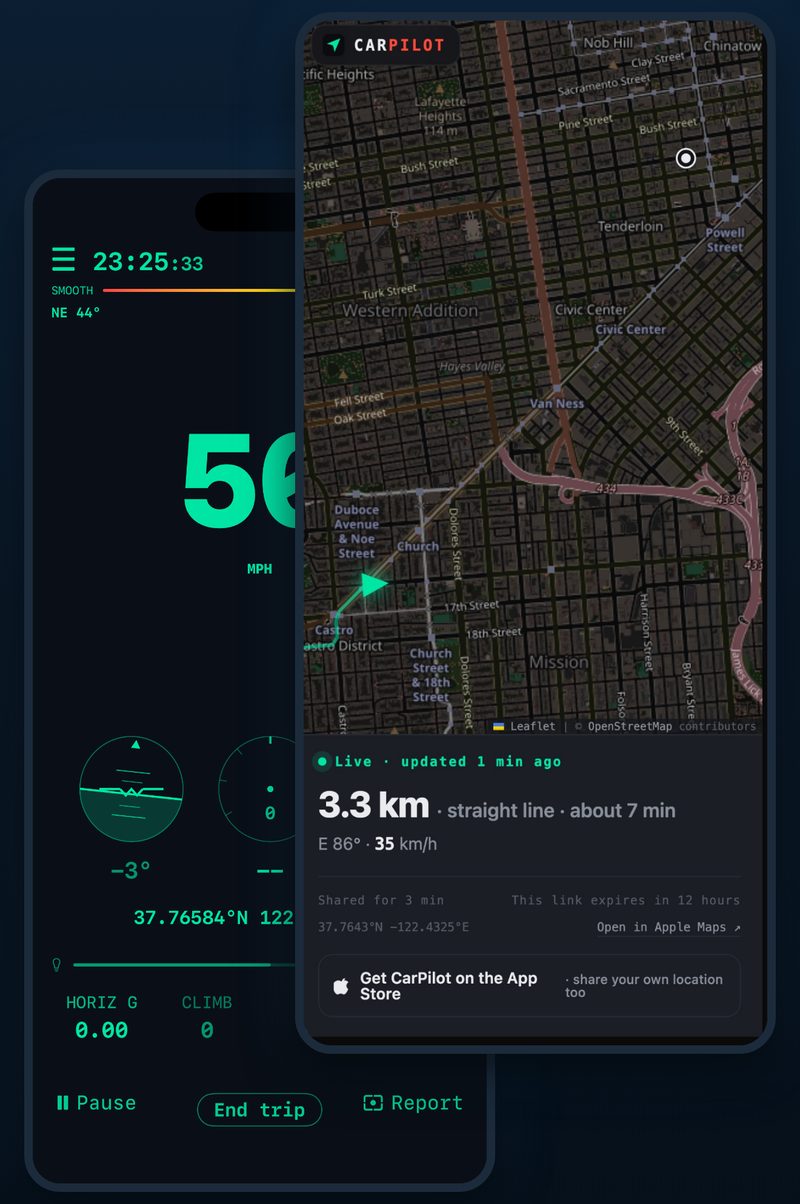
02No more "where are you?"Family opens a link and sees your ETA.
03Four dashboards, your pickRoad, rally, off-road or classic needles.
LAYOUTS & THEMES
Speed and the limit stay visible over turn-by-turn directions.
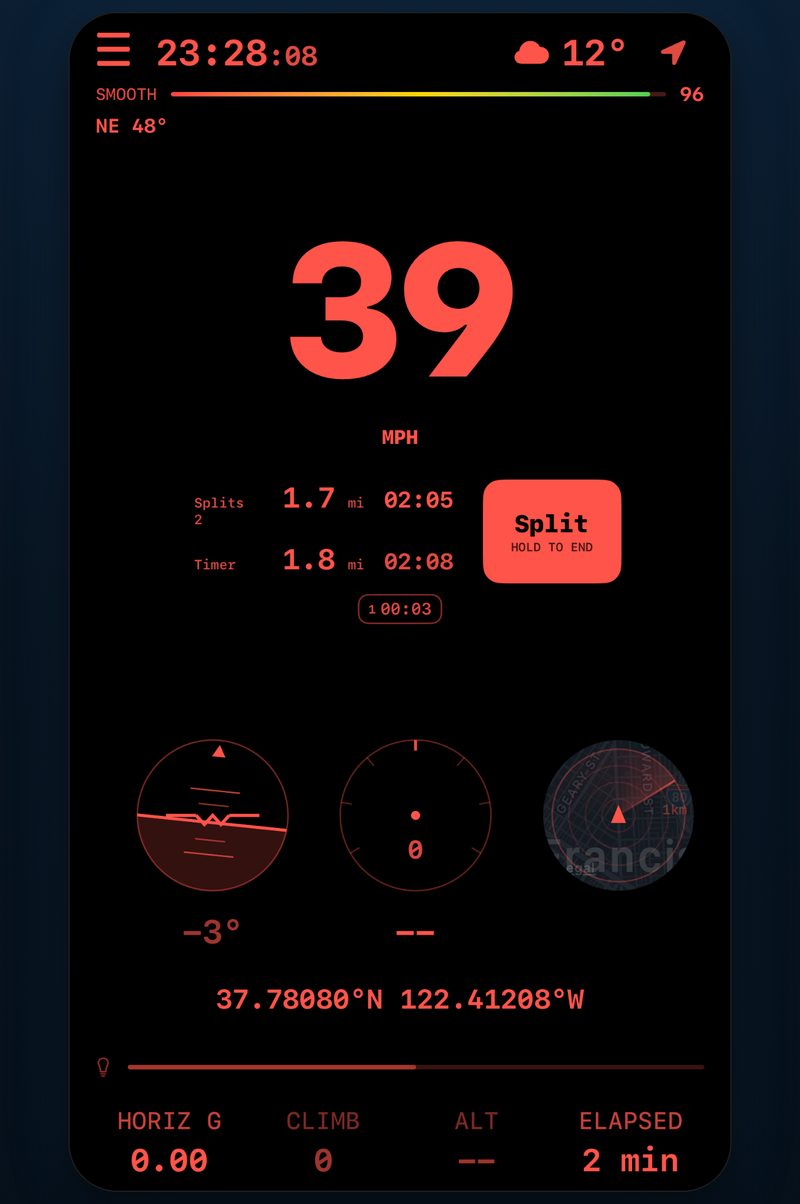
Split times and distance for every section of the stage.
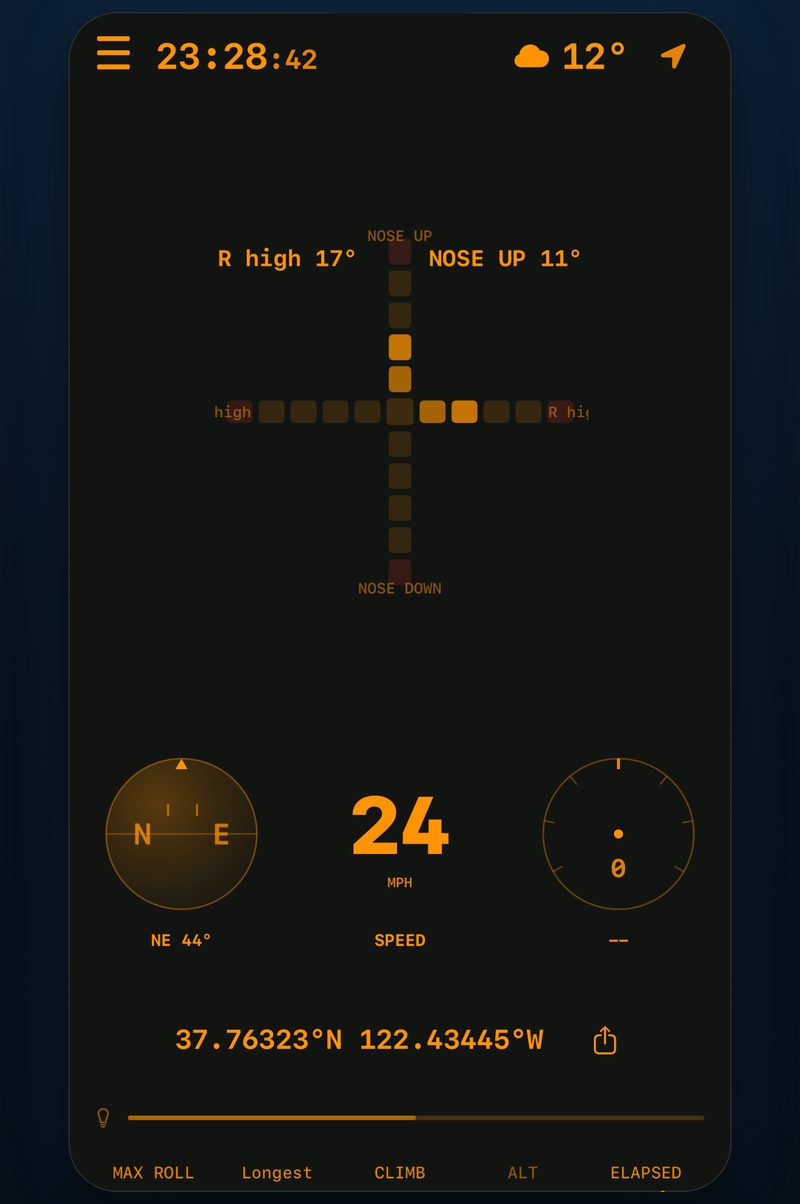
Roll, pitch and altitude, so you know how steep it really is.
A retro analog cluster that shows your speed with needles. Pick your layout and colours before you set off.
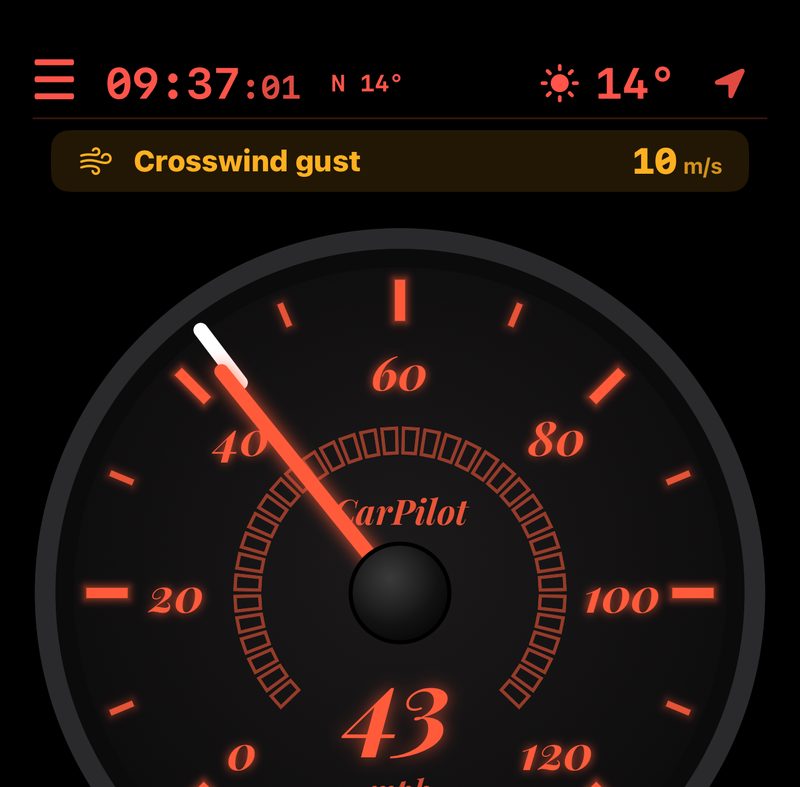
Grand TourEmerald tones, easy on long drives and the daily commute.
Tactical NightFine red lines for a focused night cockpit.
TrailblazerHigh-vis orange for mountain roads and trails.
Minimal DayWhite type on soft panels; colour is kept for alerts.
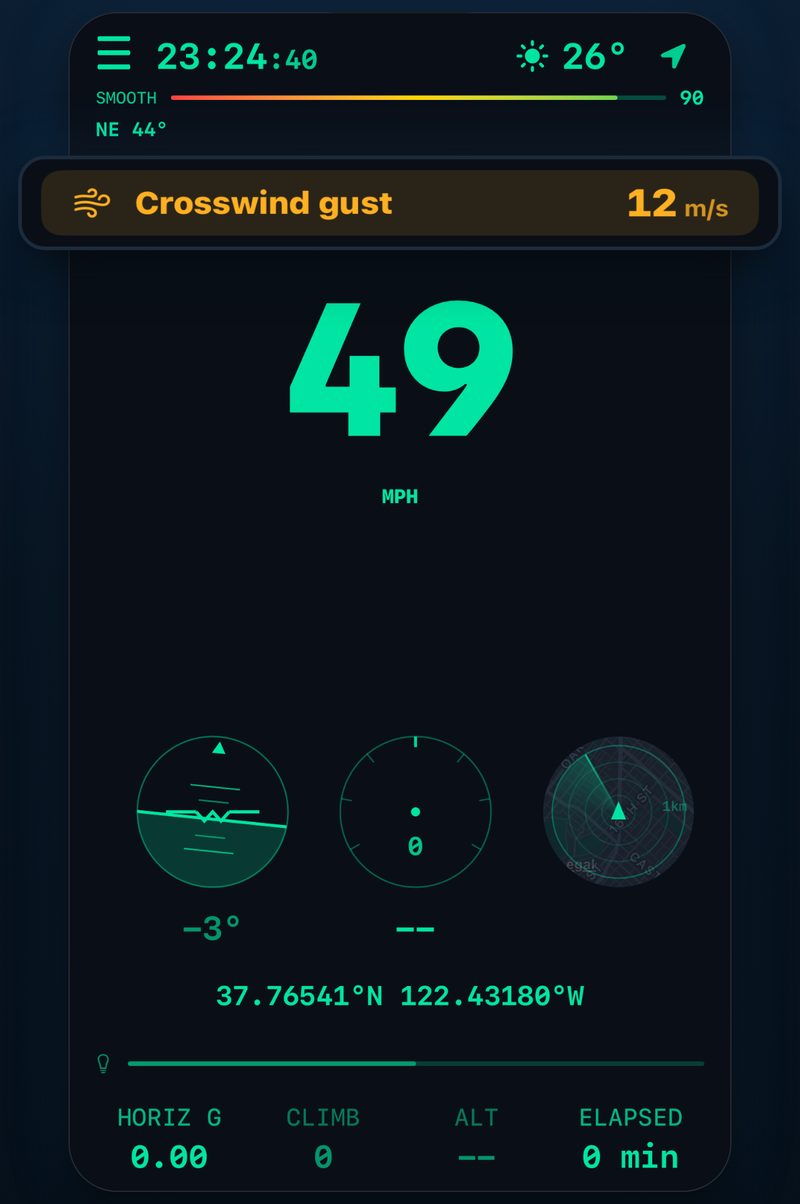
Strong gusts, wet or icy roads: a banner at the top flags them as you drive.
Send one link: they see where you are and roughly when you arrive, no app needed. It expires with the trip, or after 12 hours.
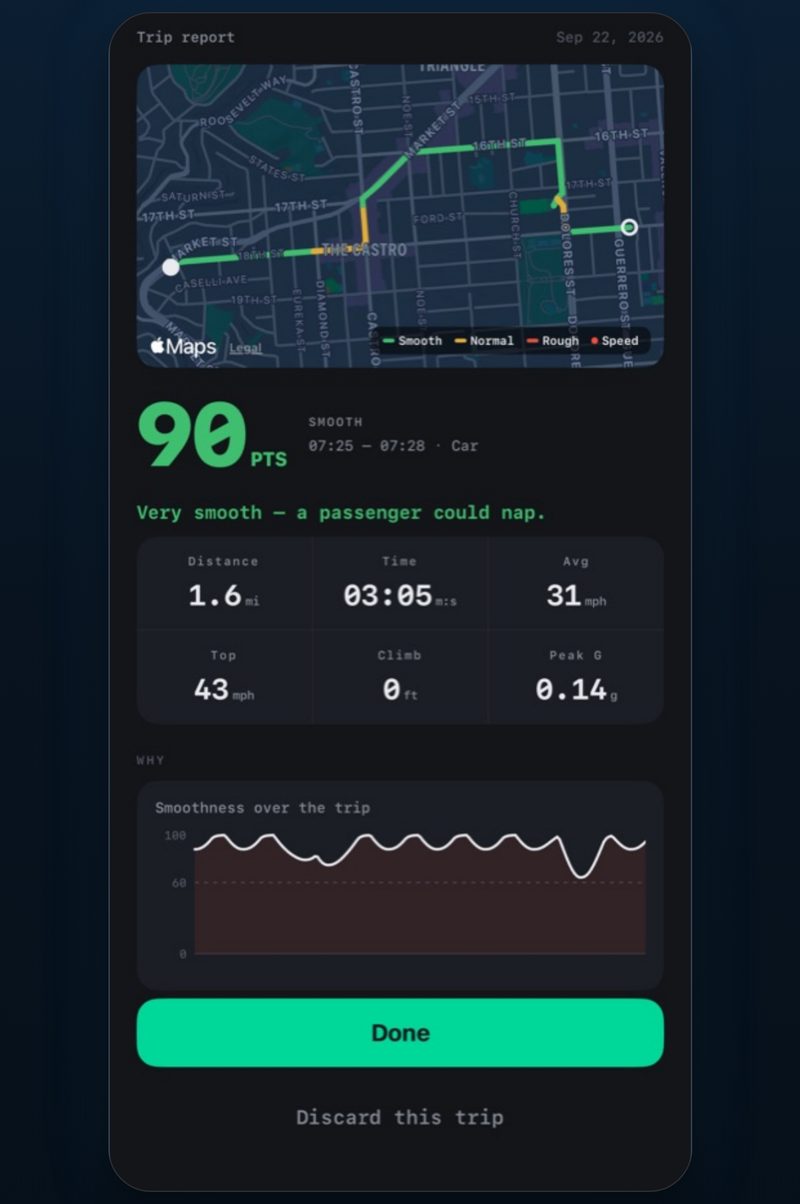
Smoothness score, route, top speed and climb, saved after every trip to your iCloud.
 Android: coming soon